Retail Kiosks Powered by BrightSign
The little Linux boxes that could...
It was my birthday, March 2021 when I received an email from Harry Souders, then CTO of experimential marketing + immersive tech shop VTProDesign. As a freelancer I'd built VT's website a couple years prior and had contracted on some web jobs for them since.
"We have a couple upcoming long-ish term projects that need some frontend dev work." By that he meant they needed a full-time staffer to juggle their web-end of their workflow, an offer I emphatically accepted.
"Oh and you're familiar with BrightSigns, right?"
"Nope! What's that?"
And so it began...
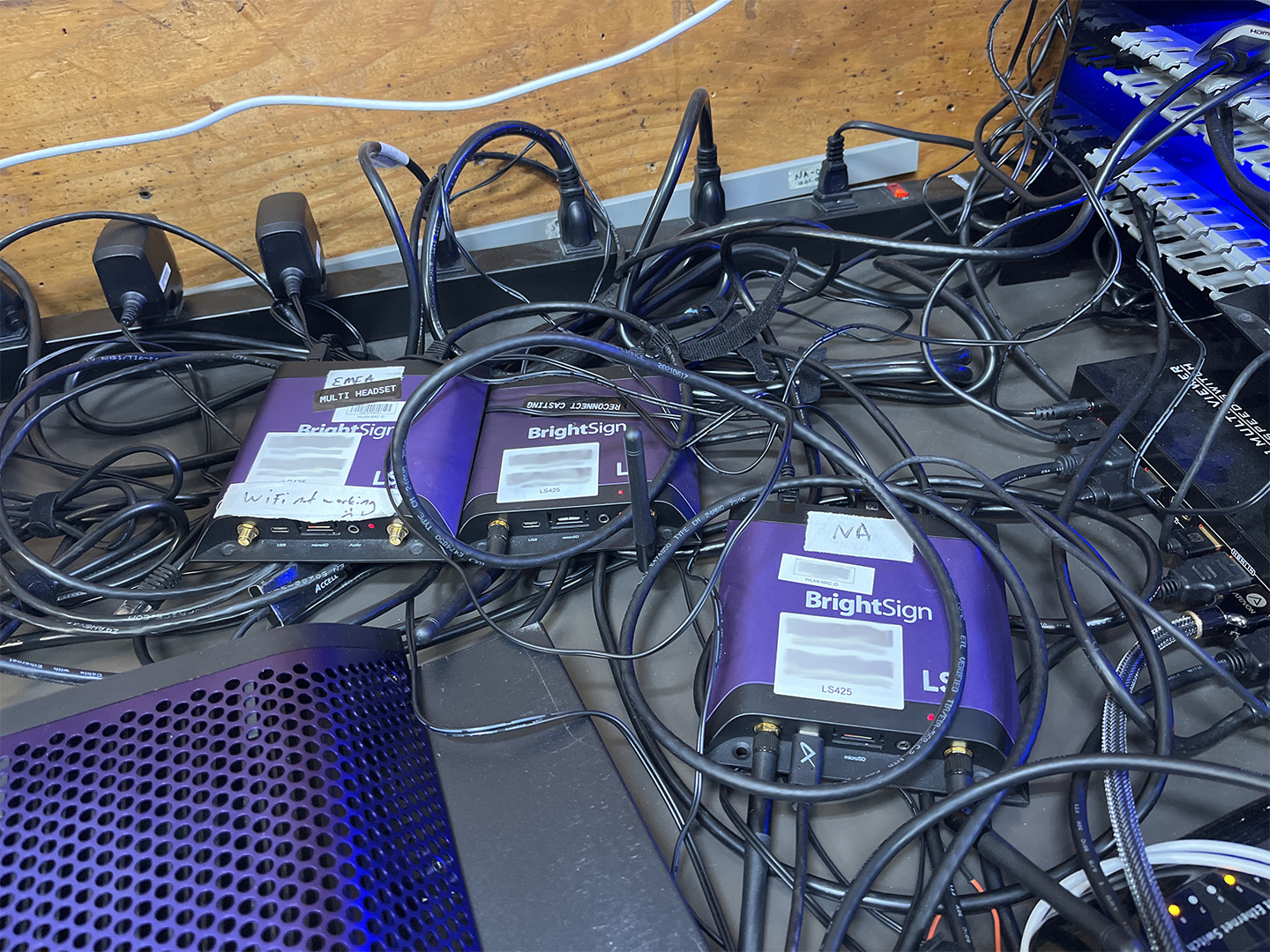
BrightSigns, for the uninitiated, are famously sturdy digital signage devices. If you have a screen in need of a looping video or static image, put it on a BrightSign and you will see those images until the TV falls to pieces. But a lesser-known capability of BrightSigns: their built-in Node.js runtime capable of powering full-stack applications.
"Capable" is the operative word. The media players come in many hardware configurations, from overpowered to painfully slow, all running BrightSignOS, BrightSign's proprietary flavor of Linux. Firmware extensions are written in BrightScript, a dynamically-typed, interpreted language which also happens to be the language of native Roku TV apps (BrightSign was spun-off from Roku in 2010). Roku's legacy bleeds into BrightSign's Javascript APIs via "Roku Object" classes like roHtmlWidget and roAudioPlayer, although the more modern API abstracts these classes within the @brightsign namespace:
var system = new require("@brightsign/system")()
system.reboot()
BrightSignOS provides a handful of libraries to give us access to hardware and networking events, like @brightsign/usbhotplug for grabbing files from an external drive or @brightsign/networkconfiguration for converting a WiFi-enabled player into an access point with its own network. You have access to all your favorite standard library node modules like fs, child_process, etc, and you can pack your node_modules folder out with all your favorites.
Here's a simple web app which takes user input and logs it to a file:
// index.js
const http = require("http")
const express = require("express")
const htmlwidget = require("@brightsign/htmlwidget")
const messageport = require("@brightsign/messageport")
const fs = require("fs").promises

const app = express()
app.use("/", express.static("/sd/static"))

const server = http.createServer(app)
server.listen(7777, () => console.log("Server is up!"))

const clientWindow = new htmlwidget({
	rect: { x: 0, y: 0, w: 1920, h: 1080 },
	url: "http://localhost:7777/index.html", // Our site lives on the SD card in "static"
	node: { enabled: true } // We can run node directly in our HTML widget 🤯
})

const listener = new messageport()
listener.addEventListener("bsmessage", async (msg) => {
	await fs.appendFile("/sd/message.log", `\n${JSON.stringify(msg)}`, 'utf8')
})
BrightSign HTML widgets instance a modded version of Chromium tailored for the media player's digital signage capabilities, like extra attributes for <video/> elements which allow you to use or opt out of BrightSign's native compositor, which is unfortunately something you'll need to consider when rendering your BS web apps. Also unlike normal Chromium, we can autoplay video elements without a muted attribute... so there's that! Here's the widget source to go with the node code above:
<!-- index.html -->
<html>
	<body>
		<video src="welcome.mp4" autoplay />
		<!-- Assuming this device has a touchscreen -->
		<button data-val="love">I love this video</button>
		<button data-val="hate">I hate this video</button>
	</body>
	<script>
		// We passed node: { enabled: true } when instantiating our widget,
		// so we get to use node APIs directly in our client JavaScript :D
		const messenger = new require("@brightsign/messageport")

		Array.from(document.querySelectorAll("button")).addEventListener("click" el => {
			const rating = el.getAttribute("data-val")
			messenger.PostBSMessage({
				action: "customer_rating",
				value: rating
			})
		})
	</script>
</html>
HTML widgets are capable of running your JavaScript framework of choice, so React or Svelte apps are welcome on these devices. Just beware the limited hardware, even on more expensive BrightSign models you probably won't get away with running any heavy three.js simulations. But who's to stop you from trying!!
Last but not least, a BrightScript plugin to initialize our node app — in this simple example, we assume our index.js and index.html files are at the root of the SD card, but in reality they may have a more complicated path which can be looked up from the current-sync.json generated by our presentation. Our presentation is authored in the BrightAuthor Connected desktop app, and that's where we add our plugin. I'm blazing past details to avoid turning this into a whole tutorial...
' node_plugin.brs
function node_Initialize(messagePort as object, userVariables as object, bsp as object)
	' Initialize and start the Node.js process
	nodeProcess = CreateObject("roNodeJs", "sd:/index.js", {
		messagePort: messagePort
	})
end function
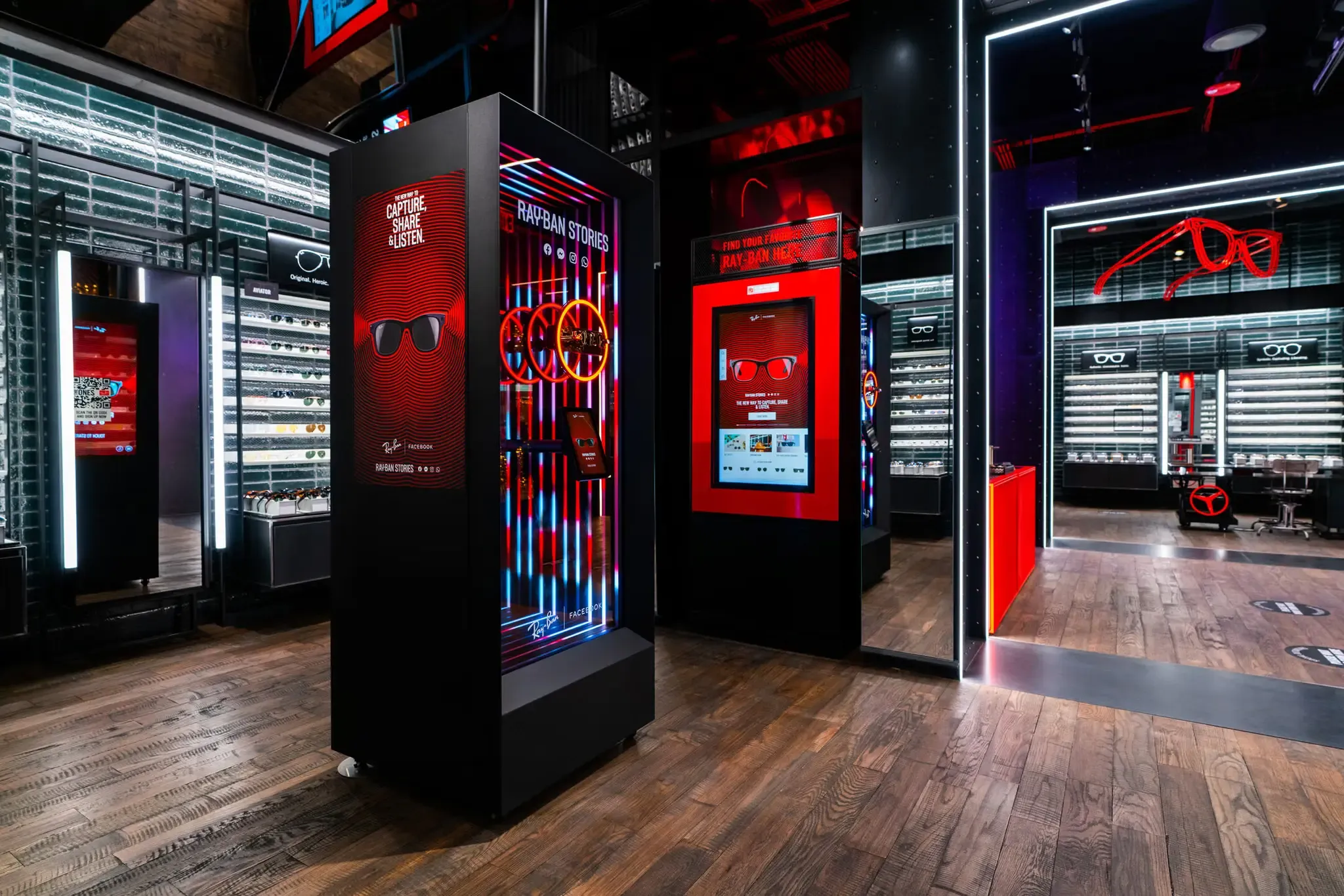
ACRONYM (formerly VTProDesign) employs BrightSigns on a variety of jobs, often for static media playback. But in my work with the agency, we've fleshed out systems for a number of interactive retail kiosk experiences powered by BrightSign. Our players in the field can update themselves via USB (which a retailer can plug into the device themselves) or OTA, downloading new presentation files from a cloud-hosted bucket.

While they may be among the weaker media servers available, they are media servers nonetheless, feature-rich and capable of slotting into setups where a something like a Mac Mini would be overkill. Try one next time you need to play a video at your local mall; years after the apocalypse strikes, leaving empty cityscapes full of dilapidated structures, your attract loop will still be running, a curious site for creatures of the future.